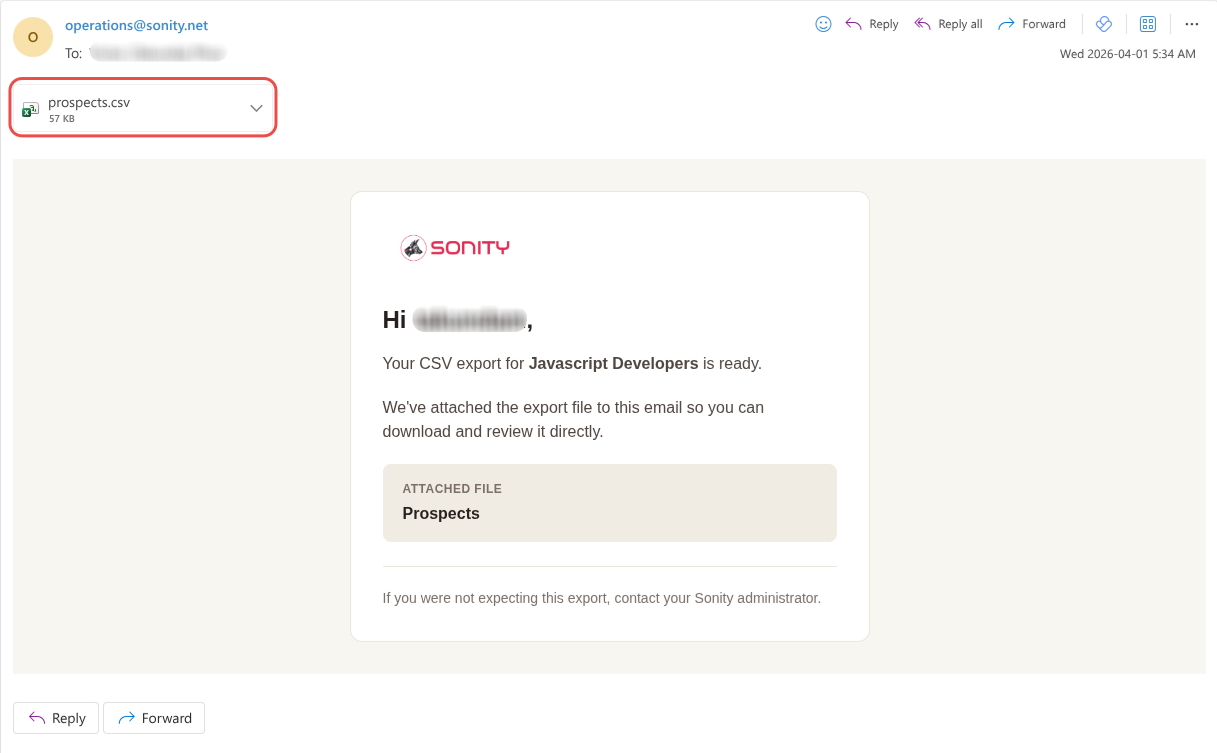
Exporting Contacts
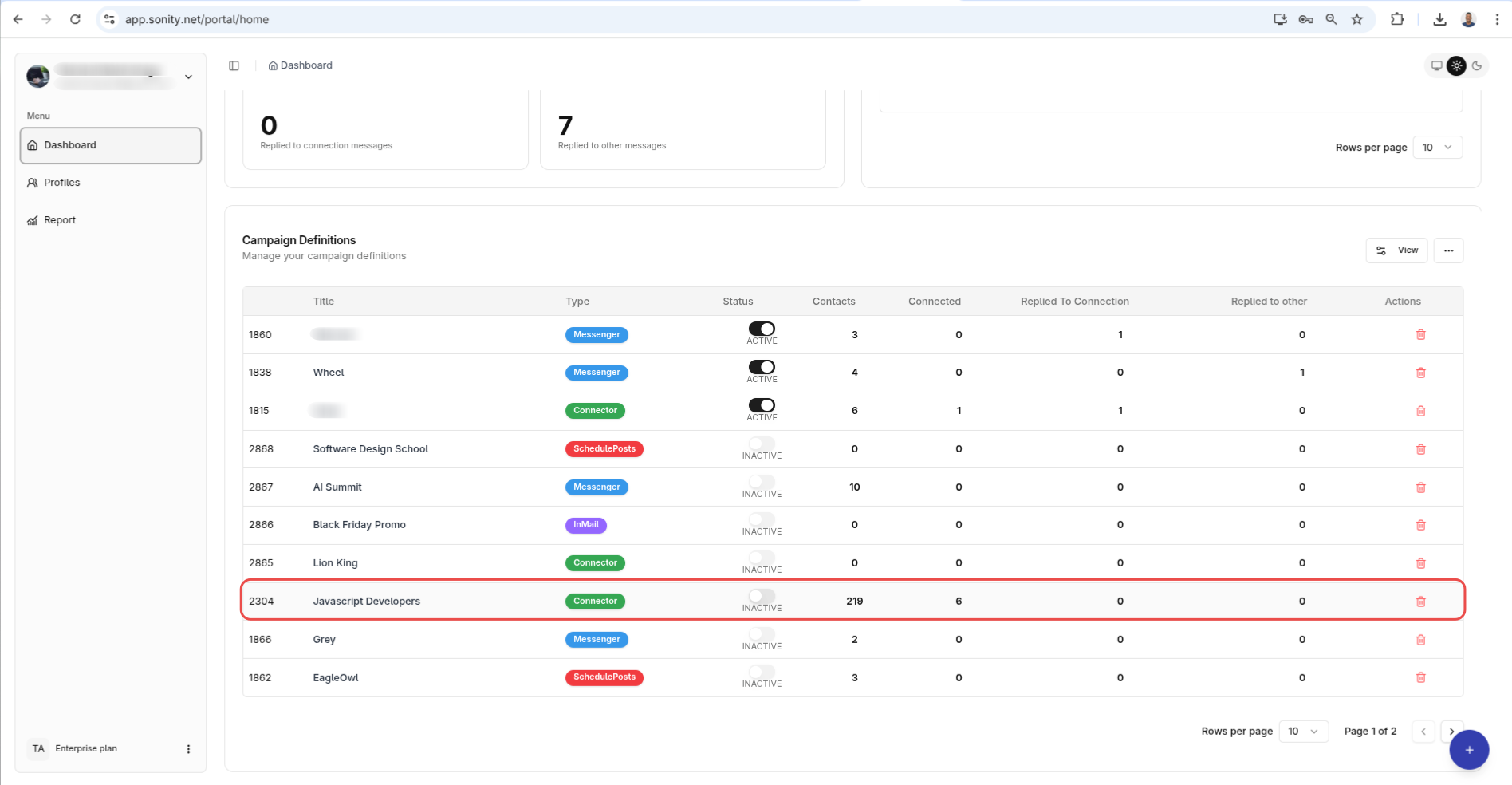
To export contacts for a given campaign
Select the desired campaign from the dropdown
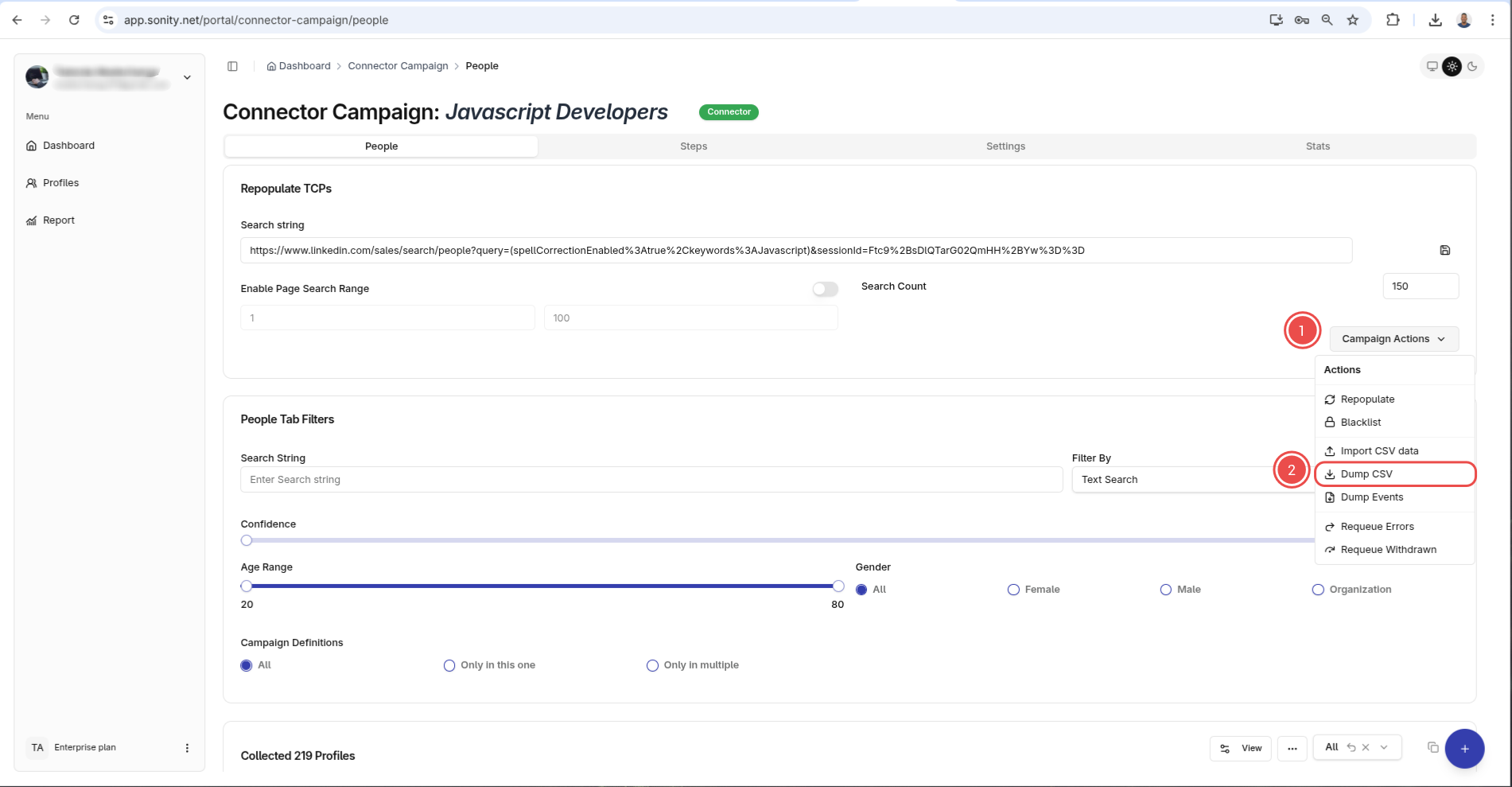
You will be taken to campaign page. From here you want to click the Campaign Actions selector then click Dump CSV option
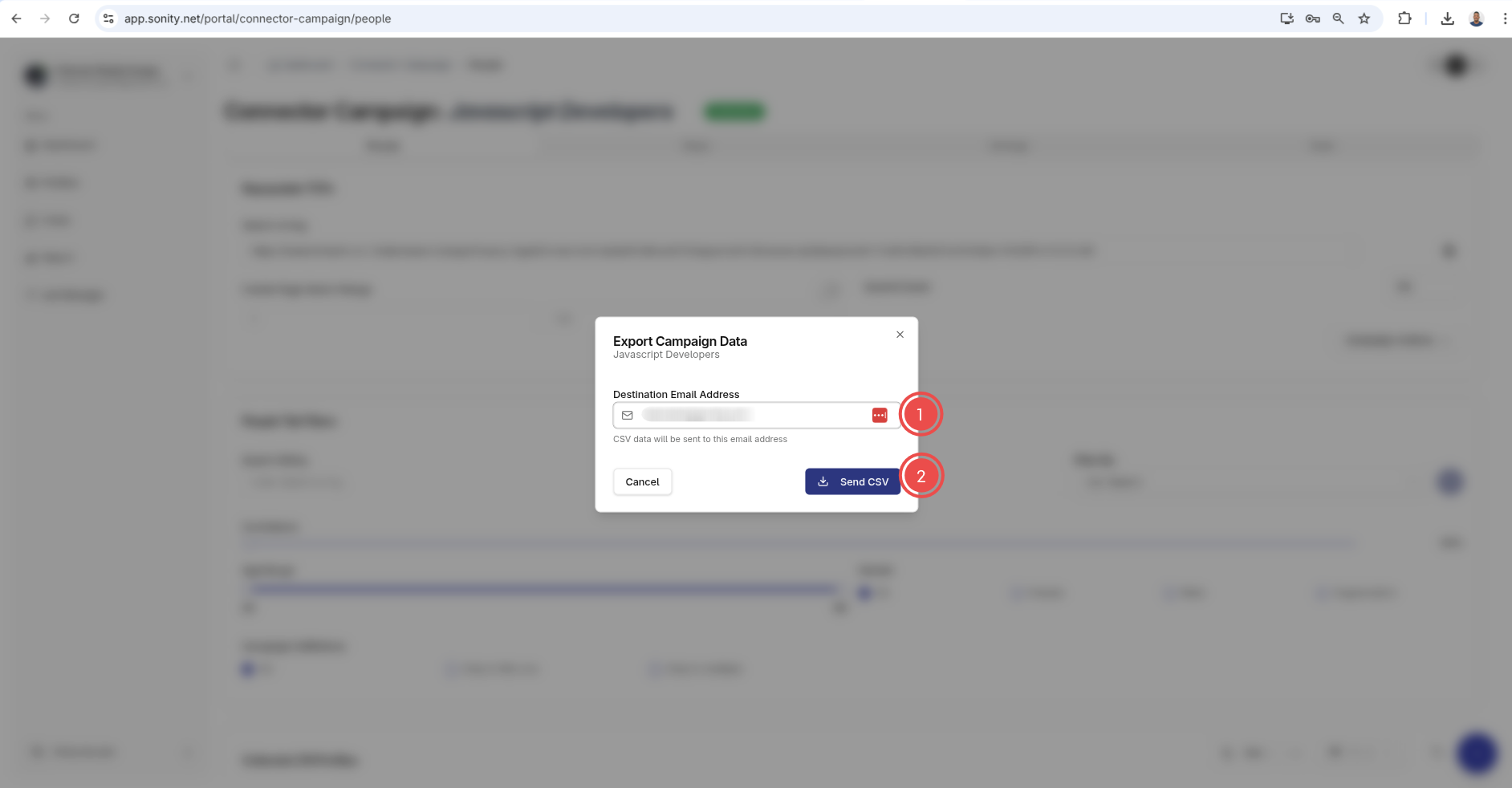
It should prompt you your email address and you should enter it and click Send CSV
This will create a task in the background to export the data. After its its finished you wil recieve an email with the attached CSV file.