Sonity integration options
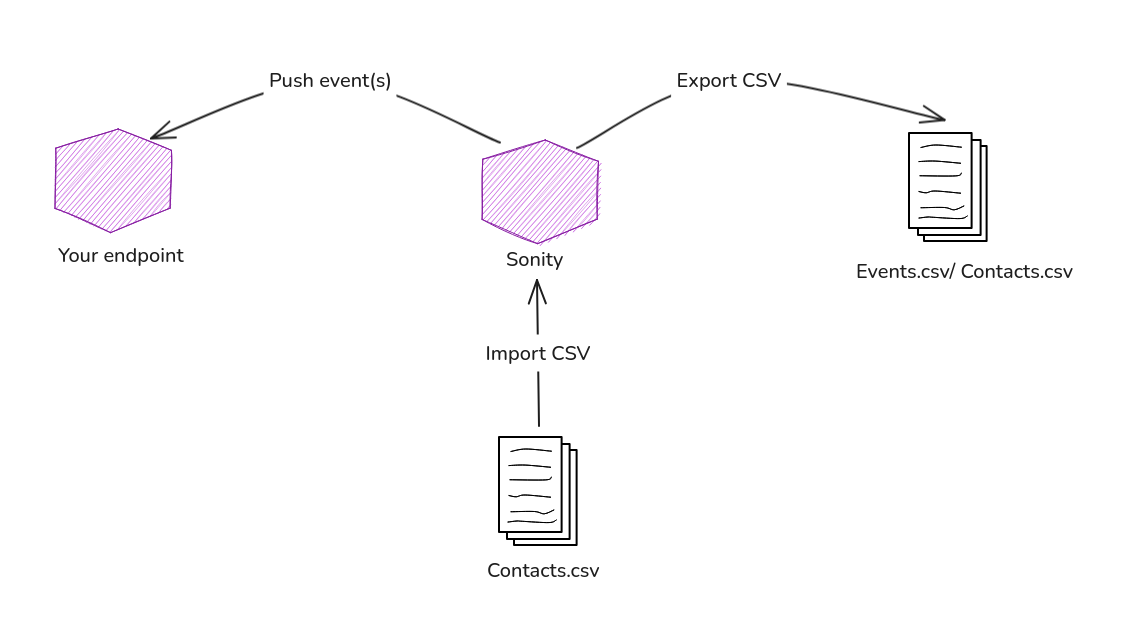
For now there are two methods
- Webhooks
- Events.csv
- Contacts.csv
1. Webhooks
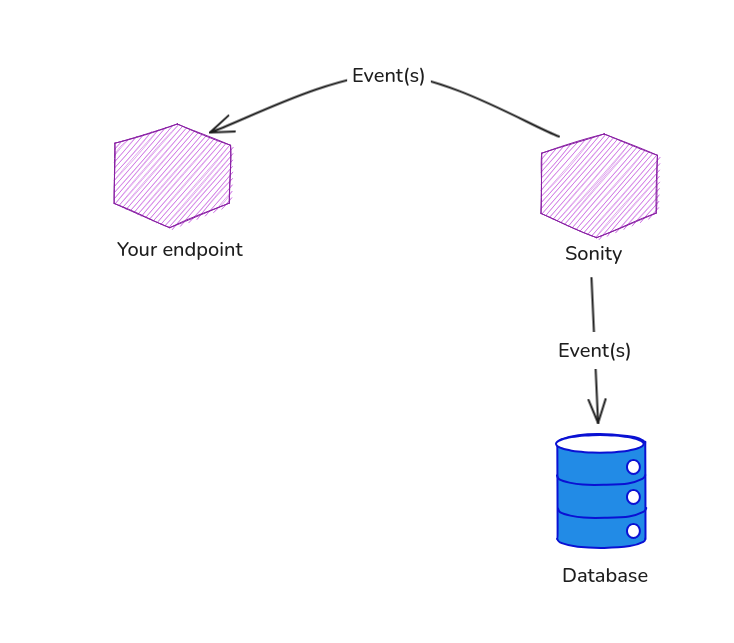
Webhooks allow you to add a URL which Sonity forwards events to as they occur. You can subscribe to different kind of events
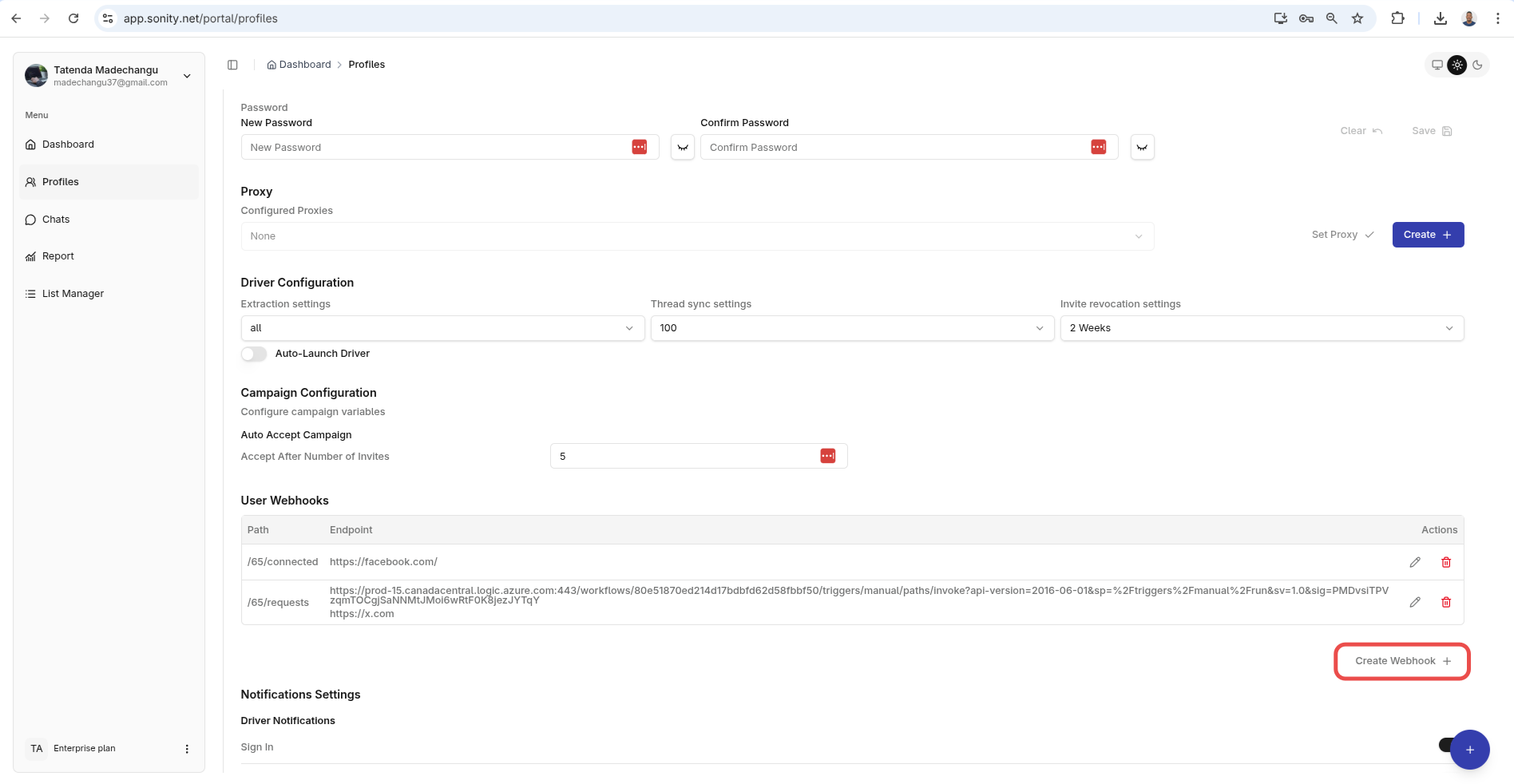
And Sonity will forward the event to that specified URL when it occurs. You then further process the data and do analytics on it or even use that data to improve your current or upcoming.
2. Events
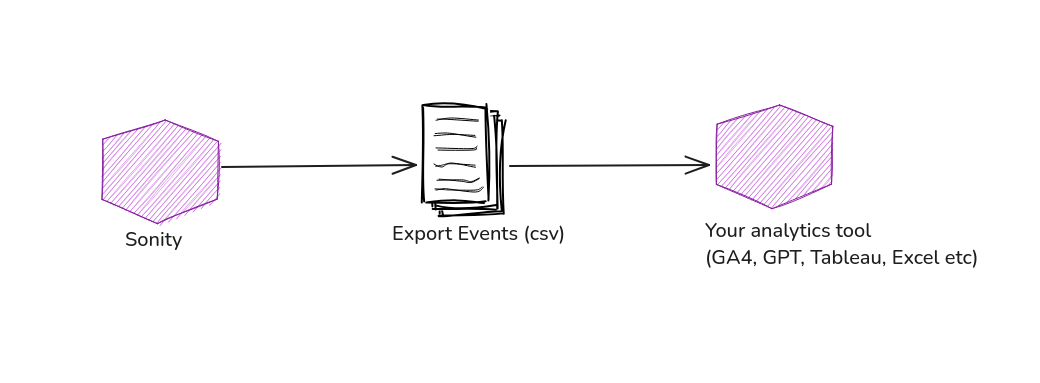 If webhooks is not your style you can always export all campaign events into a CSV and import that CSV into your favorite tools
For more details on this please check the events guide.
3. Contacts
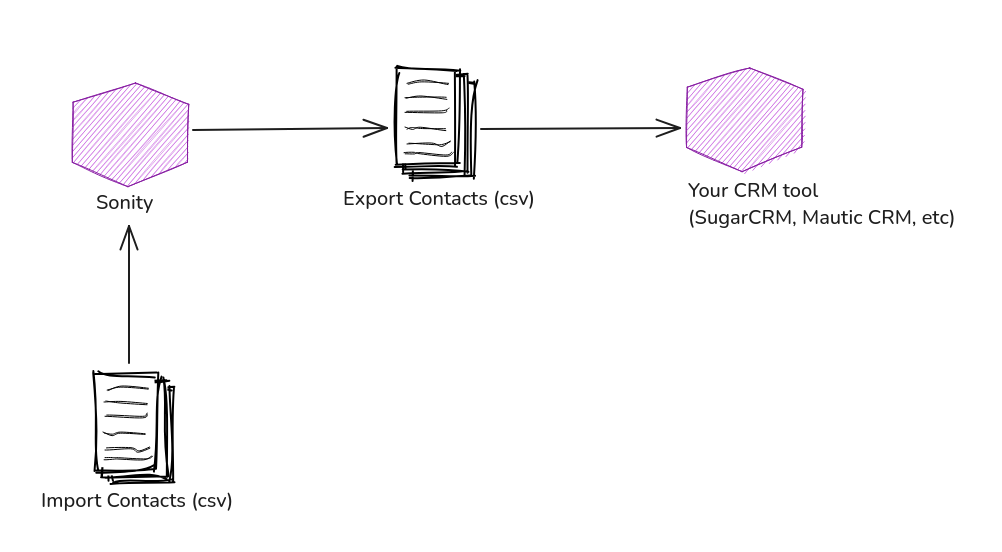 You can also import into Sonity and you can export contacts into a CSV file and import them into your favorite CRM software or tool
For more details on this please check the contacts guide.