Recieving real time updates with Webhooks
Sonity supports webhook integration, which provides you with real-time updates. This feature ensures that you stay informed about the latest activities and responses within your automation campaigns.
How to intergrate webhooks
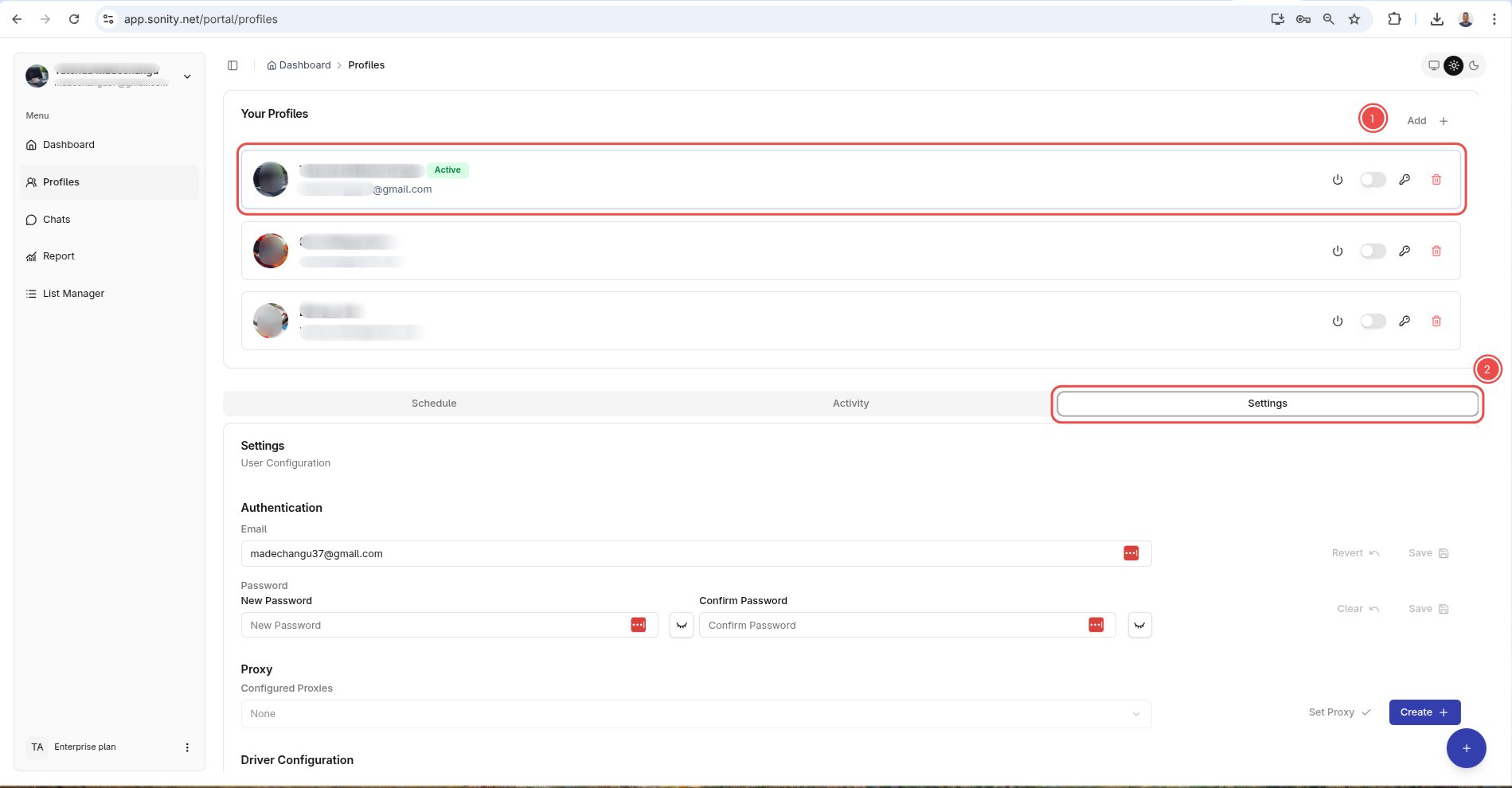
1. Click profile settings
On the profiles page. Click a profile then click the settings cog
2. Open webhook menu
Next click the Webhoks menu
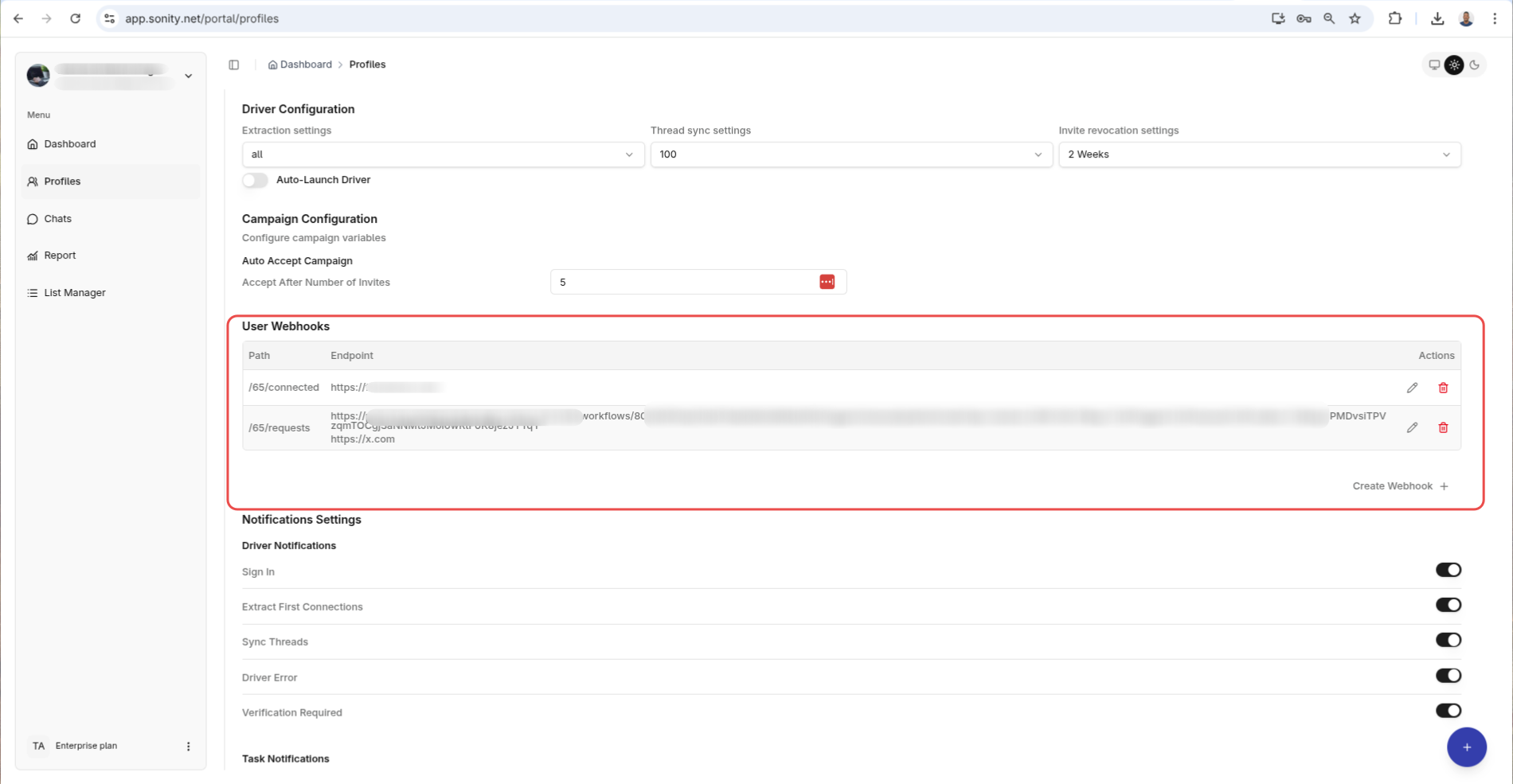
3. Add a webbhook
Last but not least add
- Type of webhhok from the select button
- Enter URL that wil recieve the webhook
Once this is saved when an event occurs, Sonity will forward the event to the registered URL.