Generating Posts
To generate posts using AI, follow these steps:
-
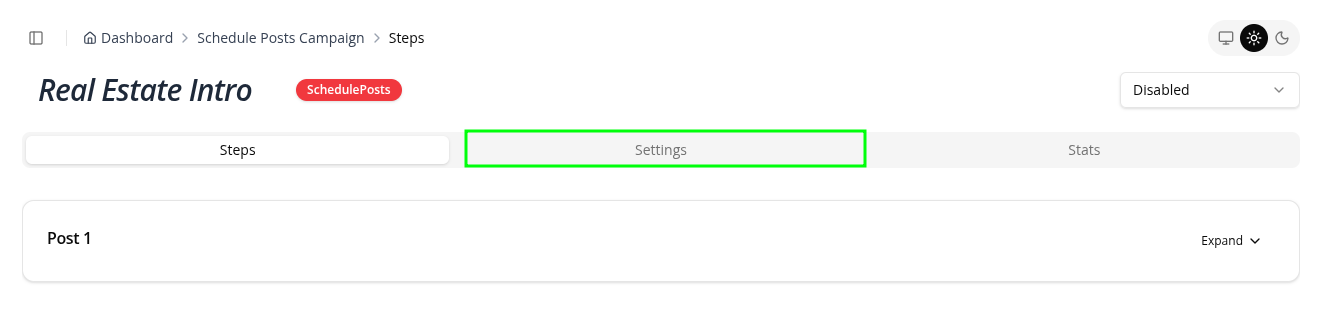
On the campaign page go to the Steps Tab
-
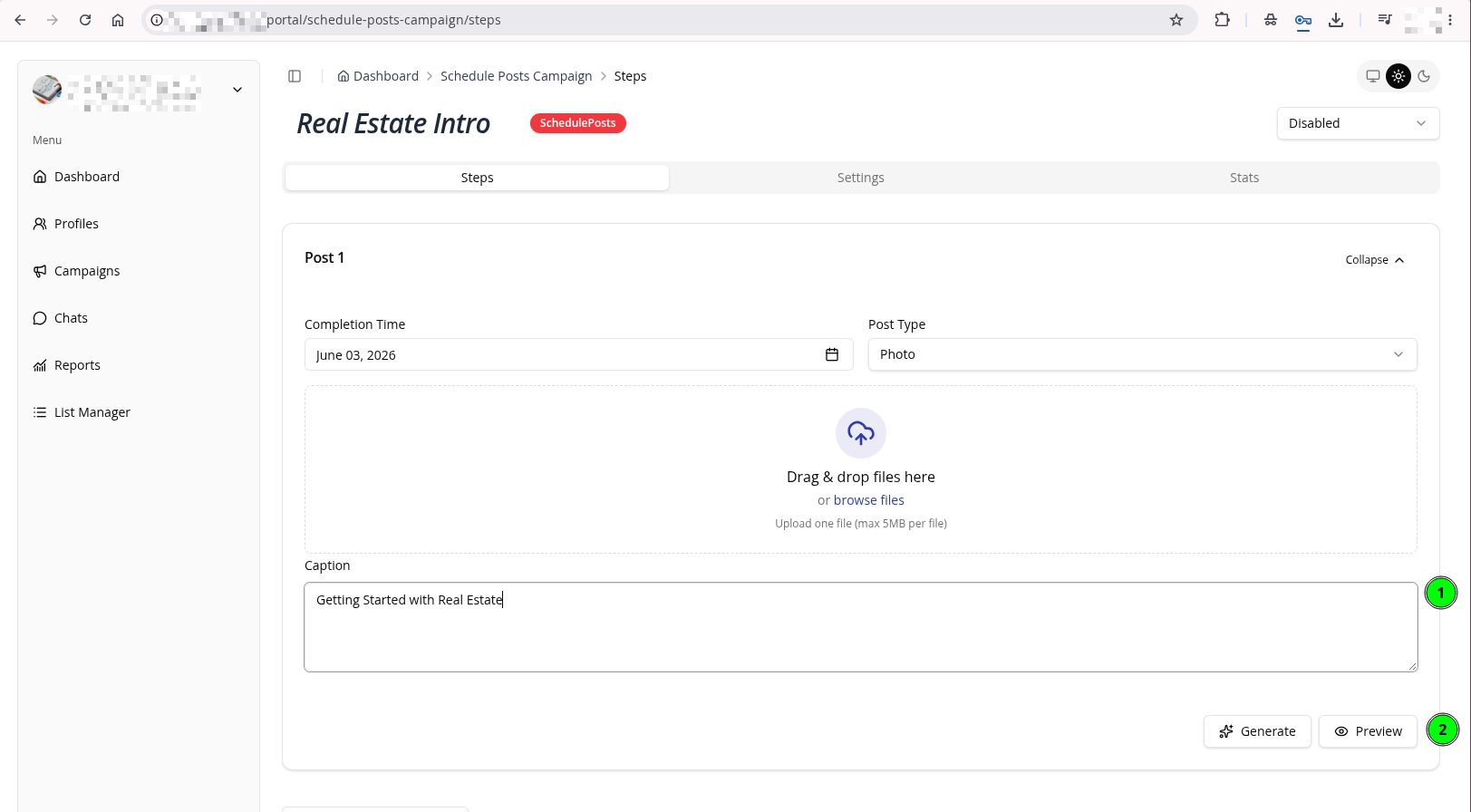
Under a specific post, upload a photo, add some short text on what you want to generate then click Generate Button
tip
Do not forget to add mention the target topic. This will help the AI generate a more relevant post.
-
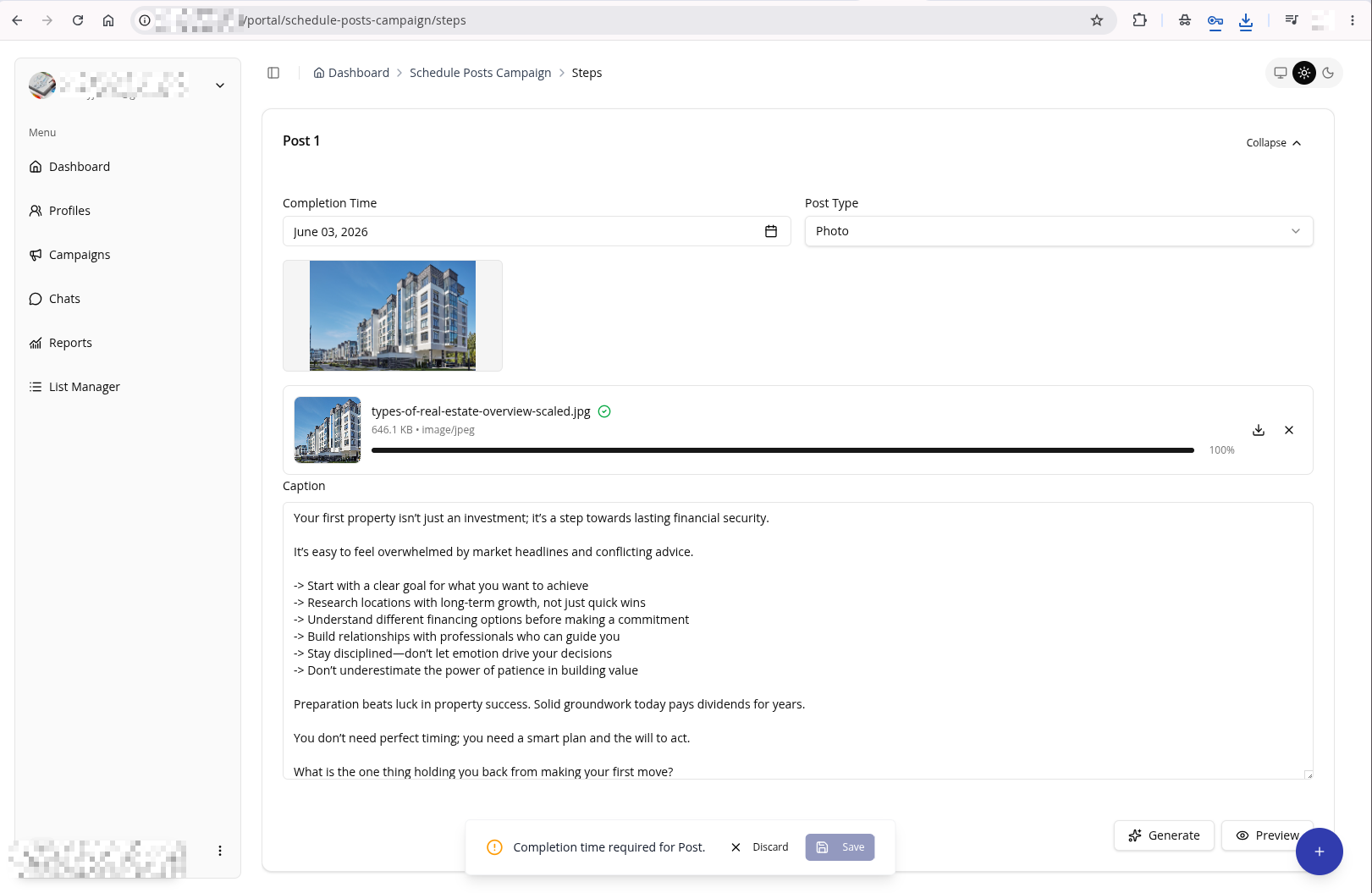
Wait for the AI to generate the post
-
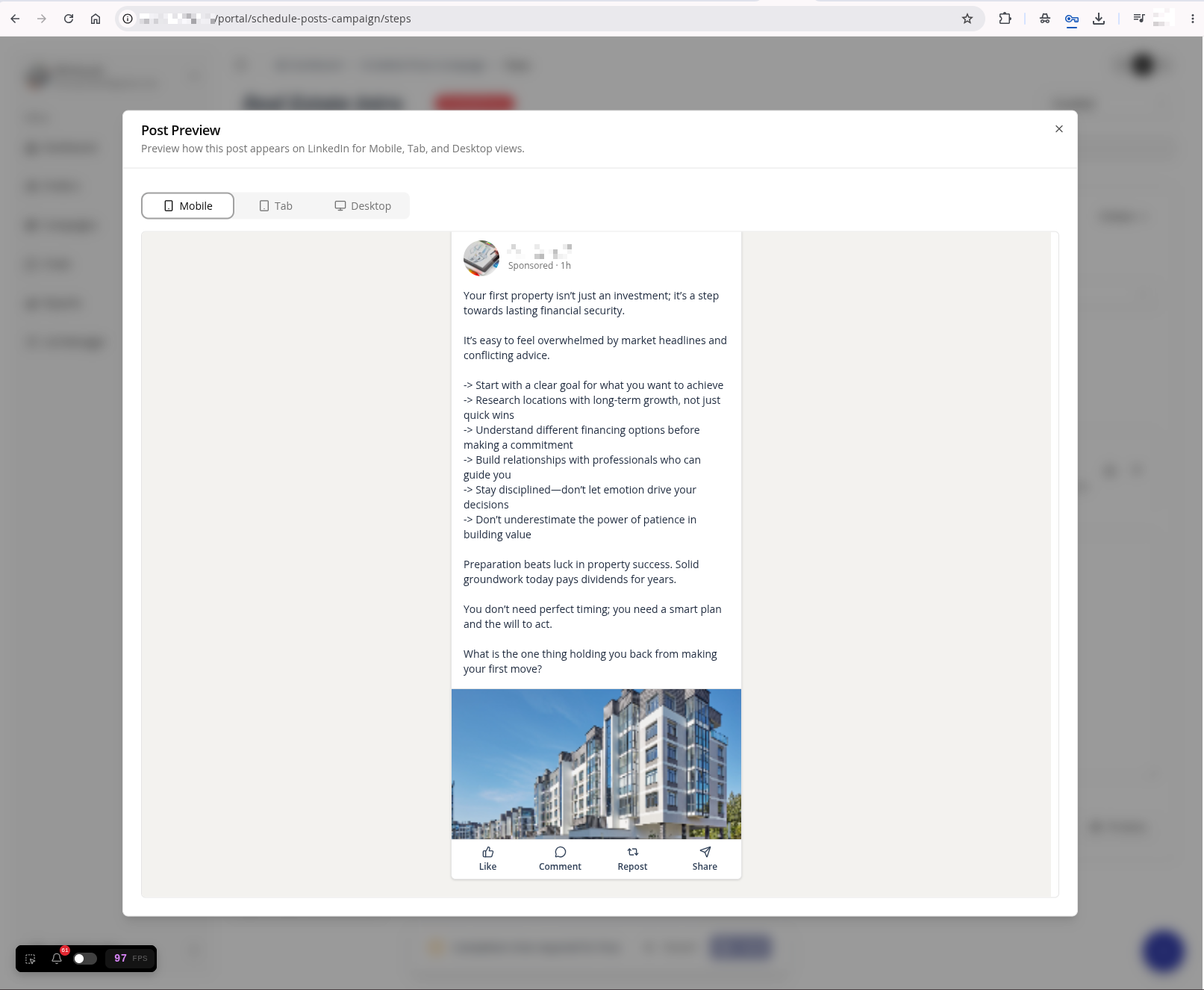
Click the Preview button to see how the post will look in Linked In