Introduction
Sonity does support using AI generate campaign content. Currently we support a BYOK (Bring Your Own Key) approach when you come in with your own API key from your preferred AI provider.
Supported AI Providers
- OpenAI
- Anthropic
What can you generate with AI
You can use AI to generate campaign content such as
Getting your API Key
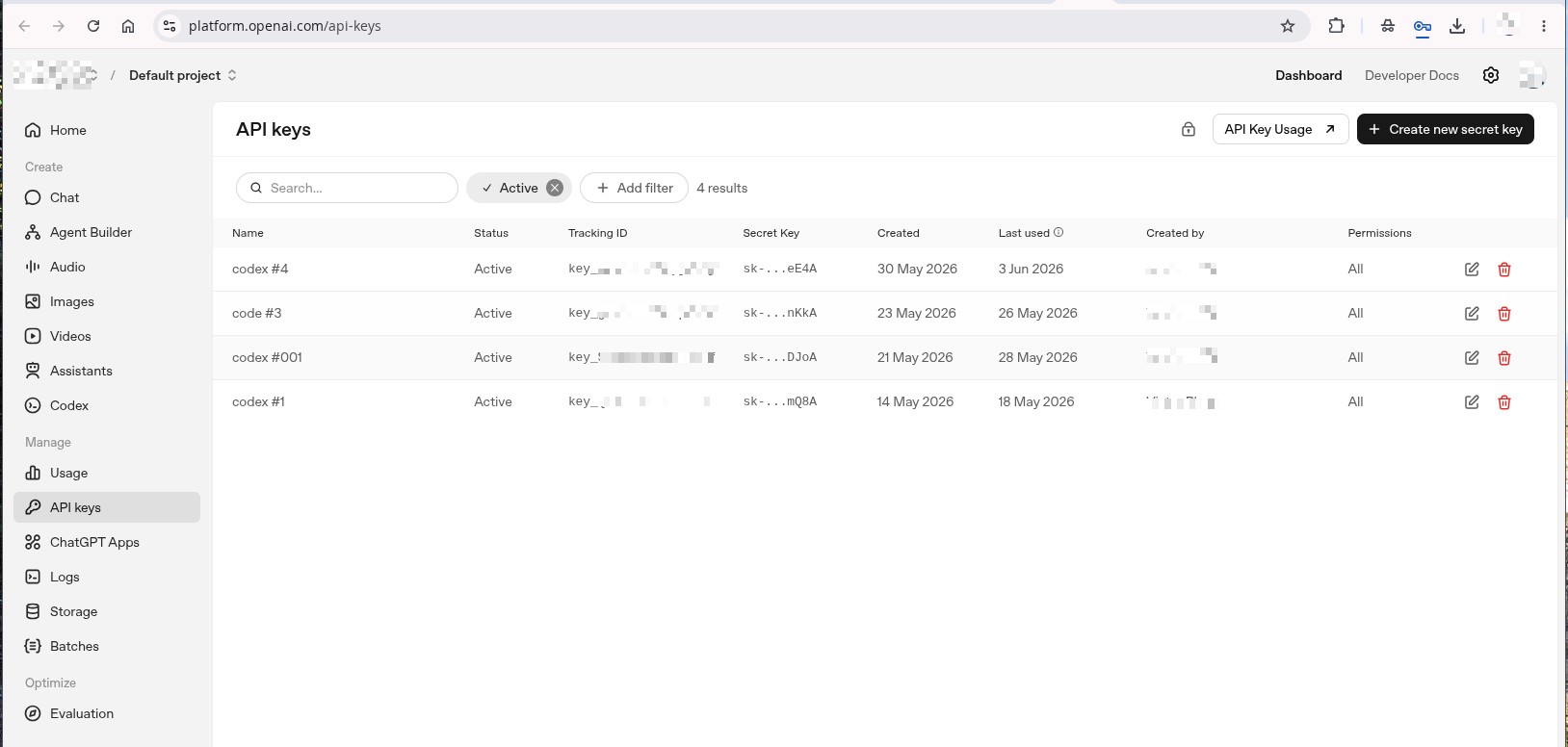
1. Getting API from OpenAI
- Go to OpenAI and sign up for an account.
- Navigate to the API keys page and create a new key.
- Copy the key and use it in Sonity.
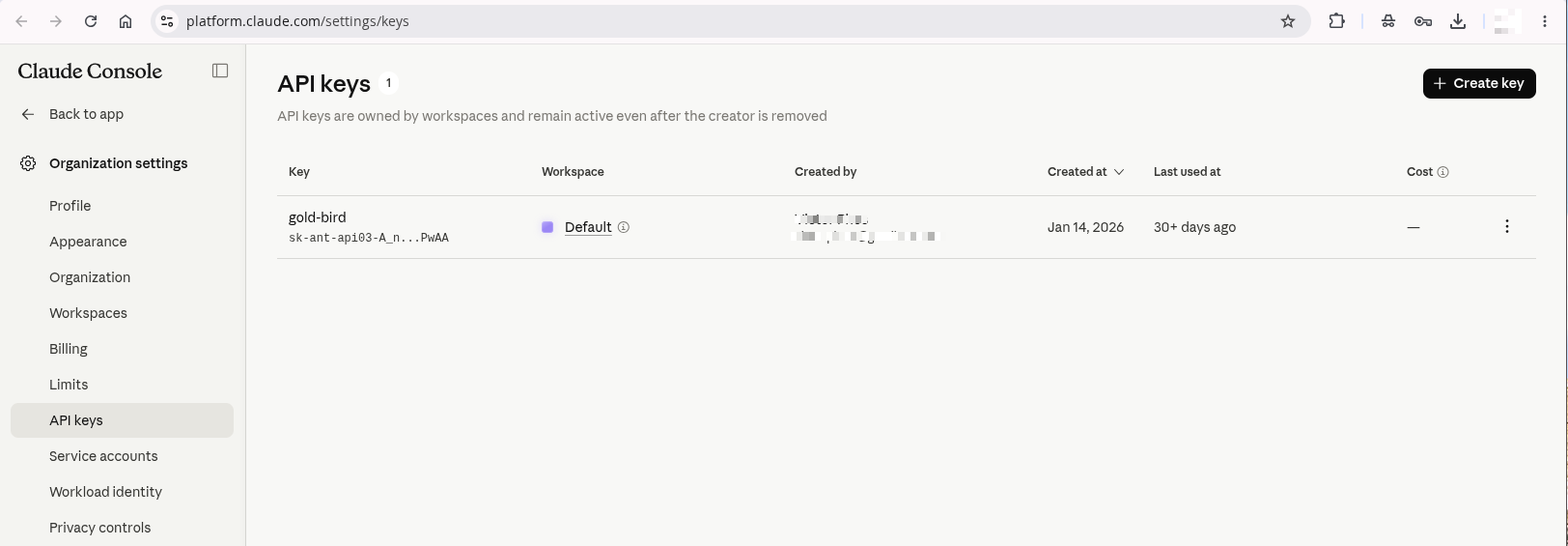
2. Getting API from Anthropic
- Go to Anthropic and sign up for an account.
- Navigate to the API keys page and create a new key.
- Copy the key and use it in Sonity.
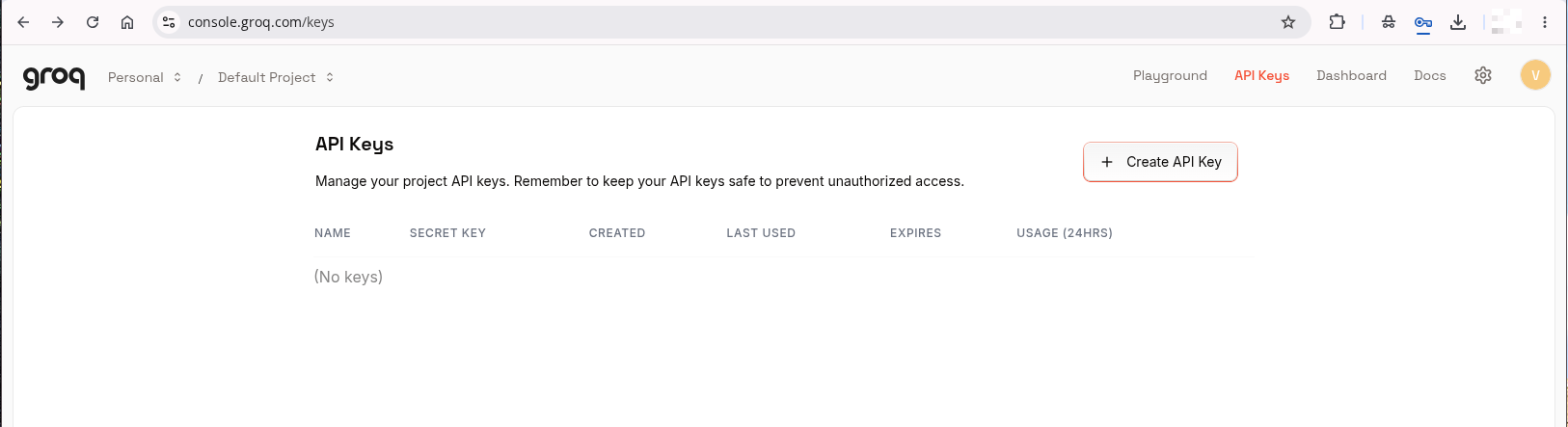
3. Getting API from Groq
- Go to Groq and sign up for an account.
- Navigate to the API keys page and create a new key.
- Copy the key and use it in Sonity.
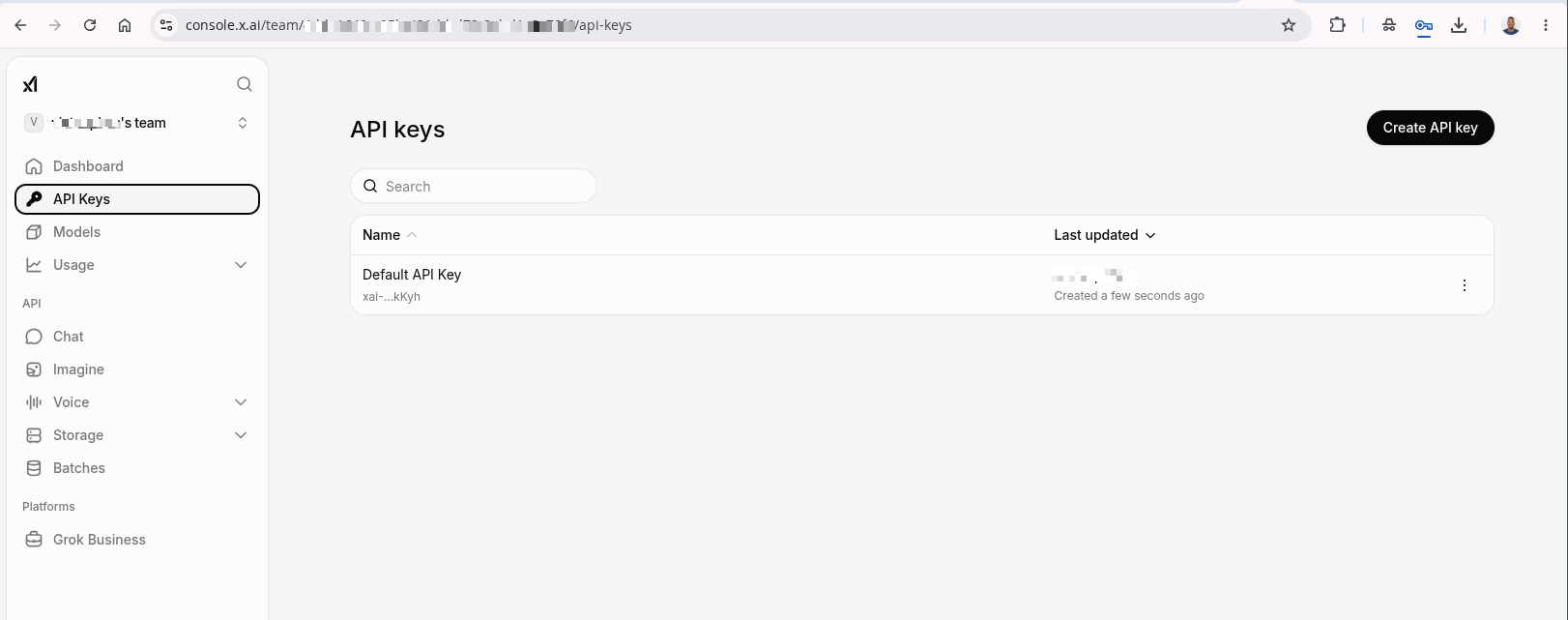
4. Getting API from XAi
- Go to XAi and sign up for an account and create a team.
- Navigate to the API keys page and create a new key.
- Copy the key and use it in Sonity.
Adding API Key to Sonity
1. Sonity Profile
The key is used to generate campaign steps and any other general content that we will introduce in the future
To add your API key for a given profile:
- Go to the profile page.
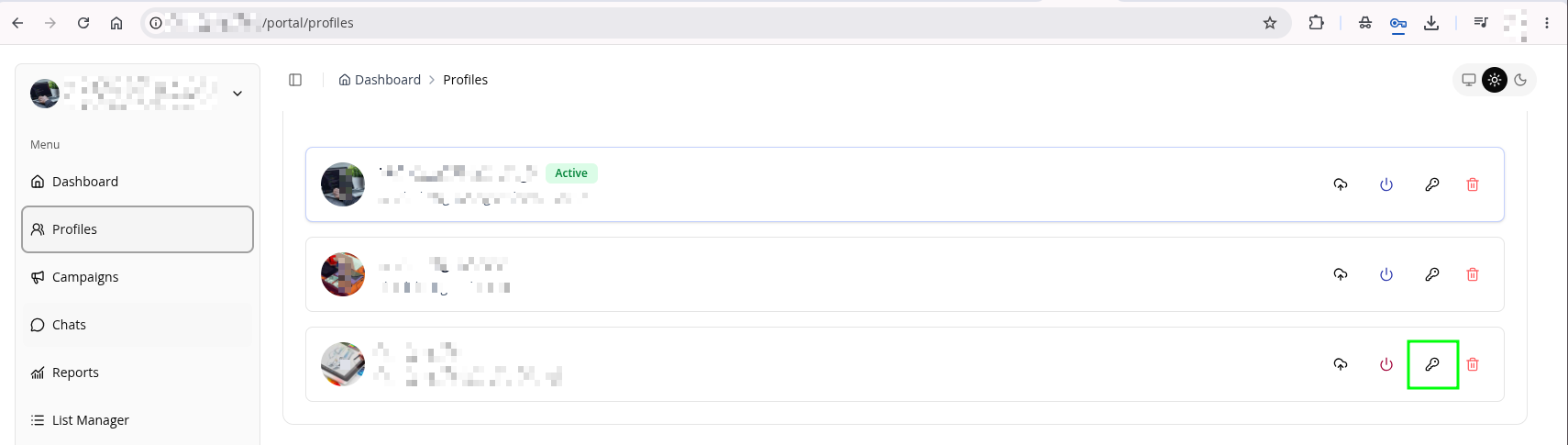
- Click the key icon to open the API key settings dialog.
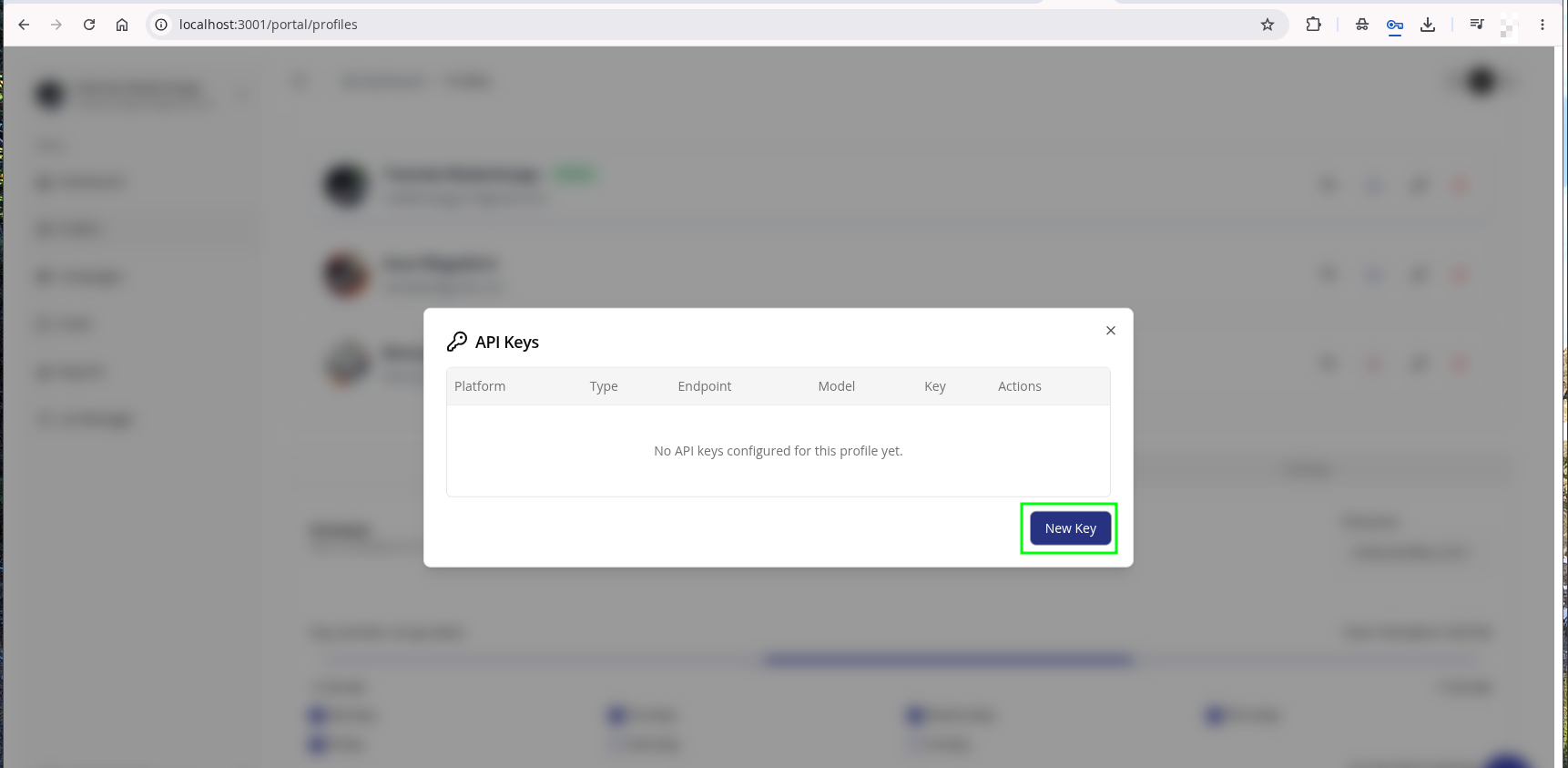
- Click New Key
- Select platform
- Skip endpoint for now
- Select the type of model you want to use
To conserve token usage, avoid selecting higher tier models. You should be able to generate meaningful steps with lower to medium tier models
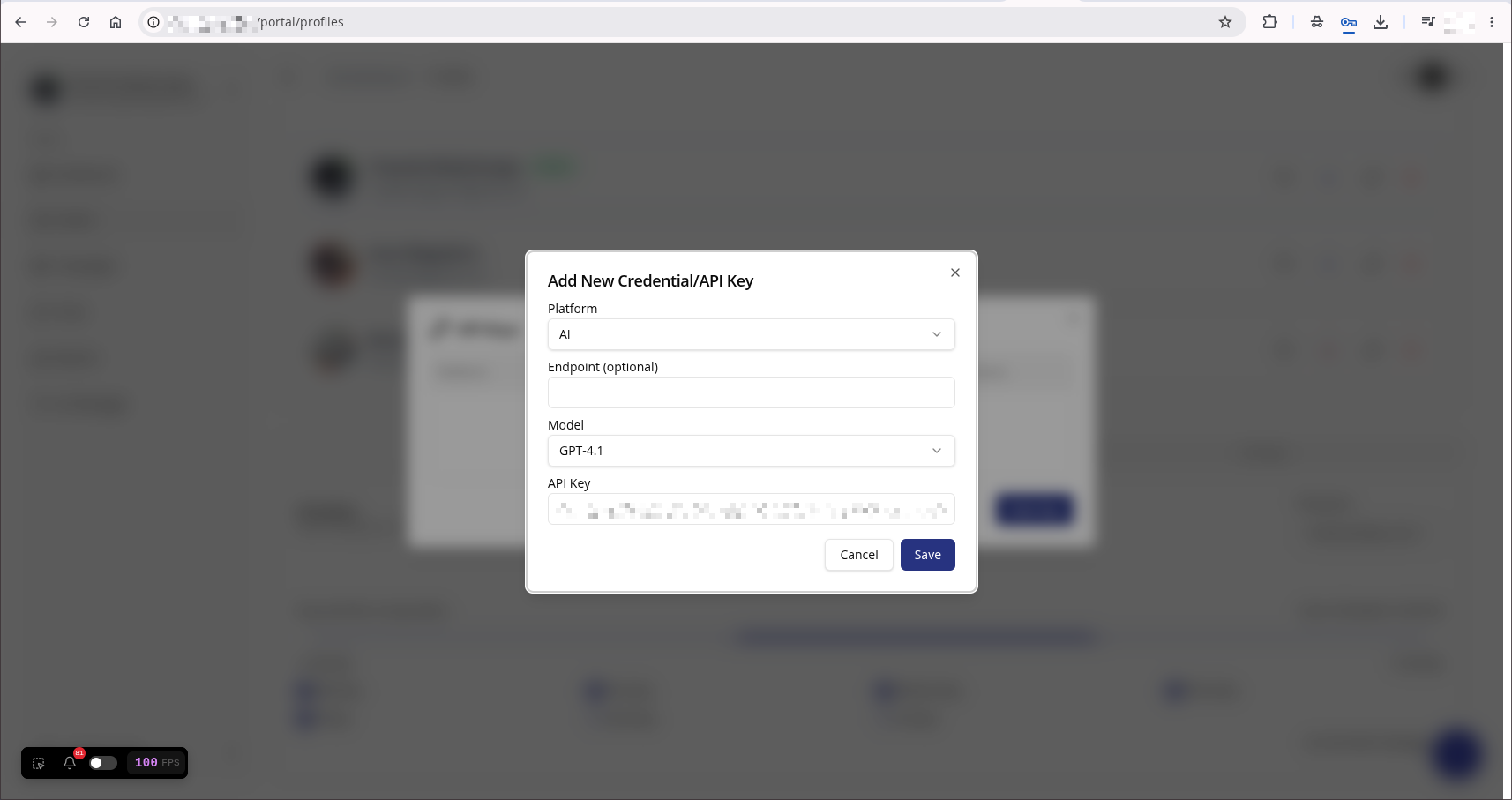 7. Click Save
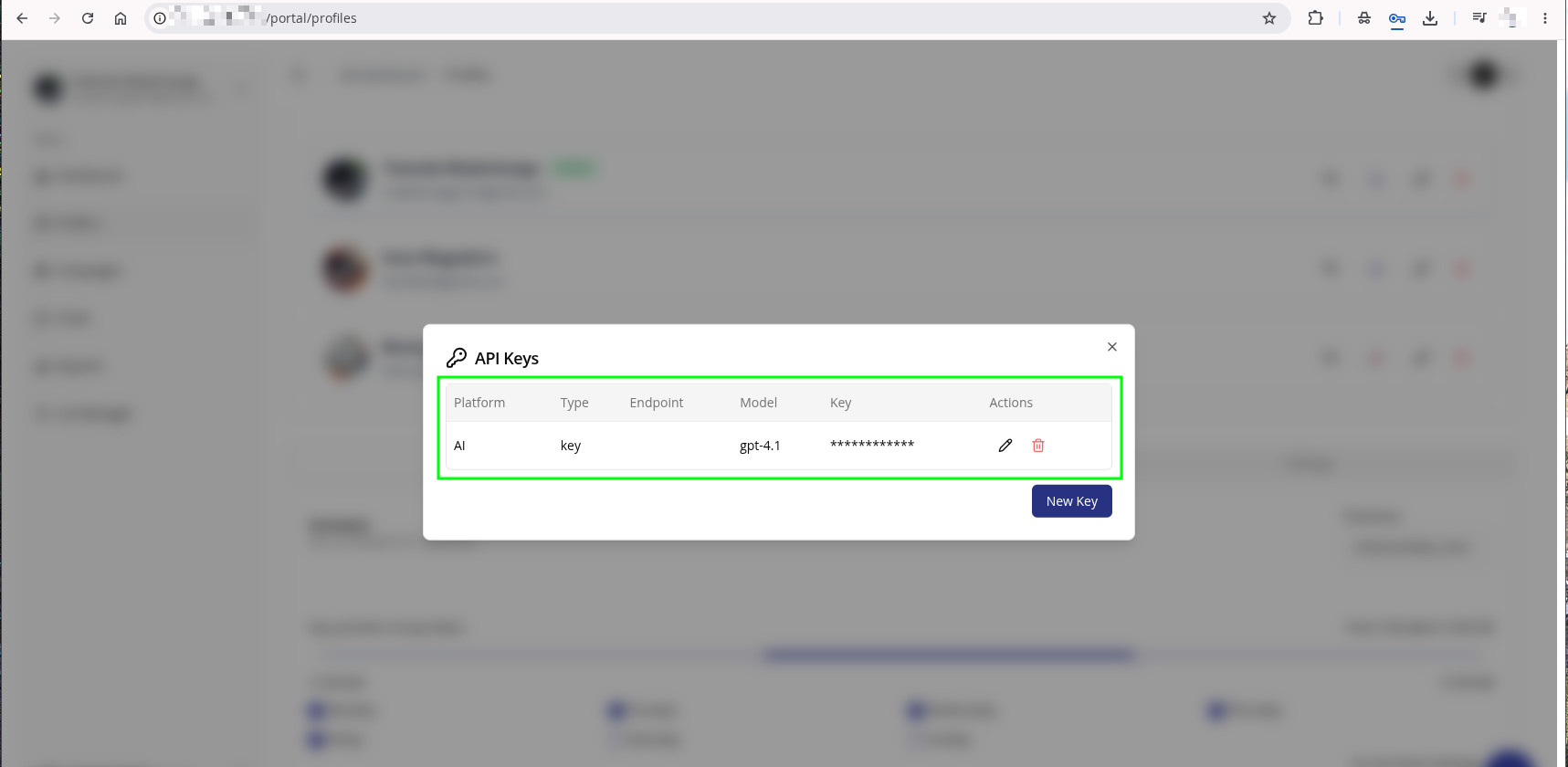
2. Schedule Posts
This key is used to generate posts for your campaign only. At the time of writing, its not used for anything else.
To use AI to generate posts for your campaign, take the following steps:
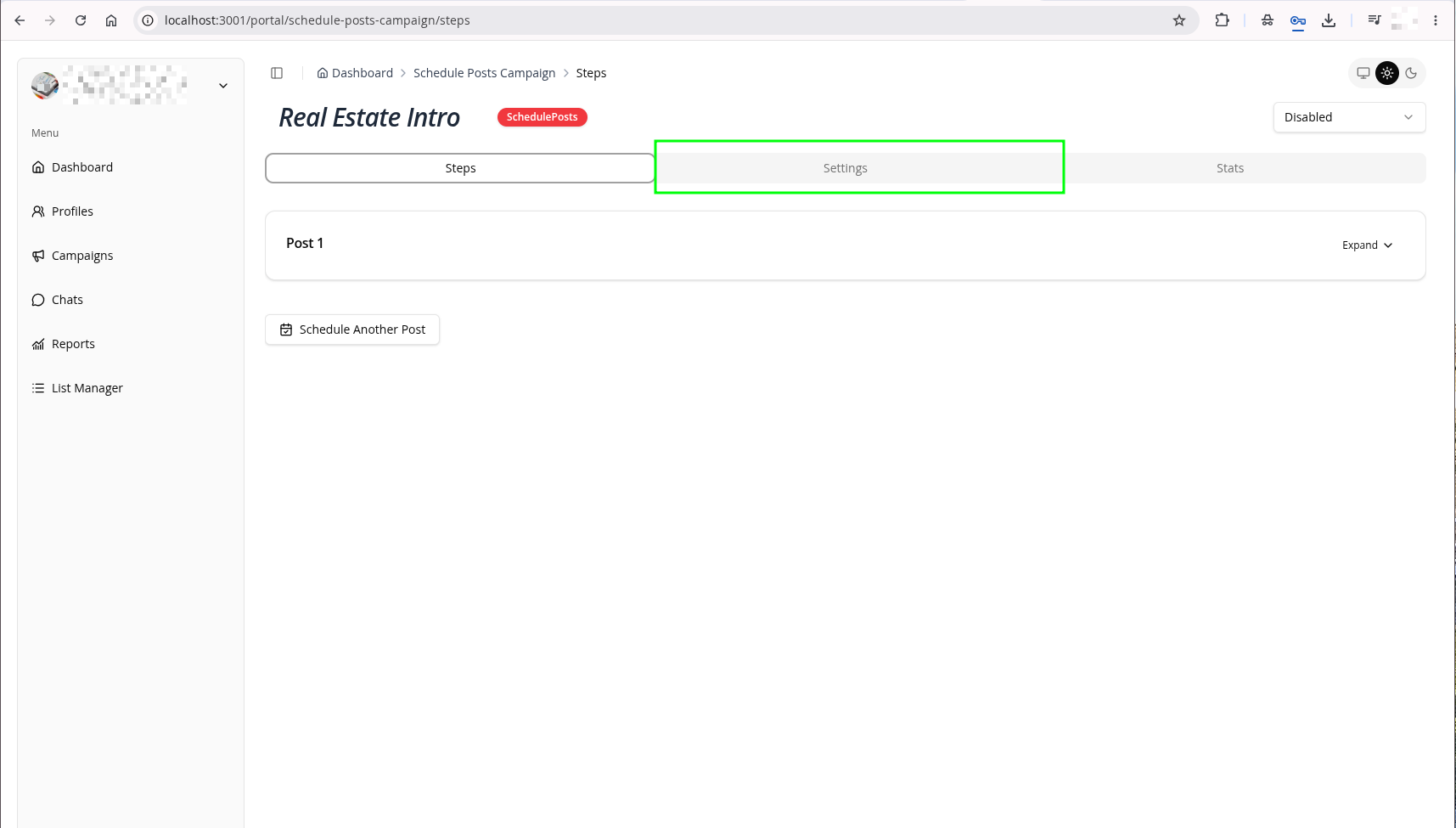
- Open a campaign of the type Schedule Posts
- Click the Settings tab and scroll down to AI Personalization settings
- Fill in the settings
- Profession — what role the AI should write as (e.g. blogger, journalist, marketer)
- Content Tone — the mood or feel of the writing (e.g. formal, casual, playful)
- Writing Style — the structural approach to the writing (e.g. narrative, analytical, conversational)
- Topics & Interests — the subjects the AI should focus on (e.g. technology, AI, finance)
- AI Model — the model used to generate posts (e.g. Claude Sonnet, GPT-4)
- API Key — your personal API key for authenticating with the chosen model
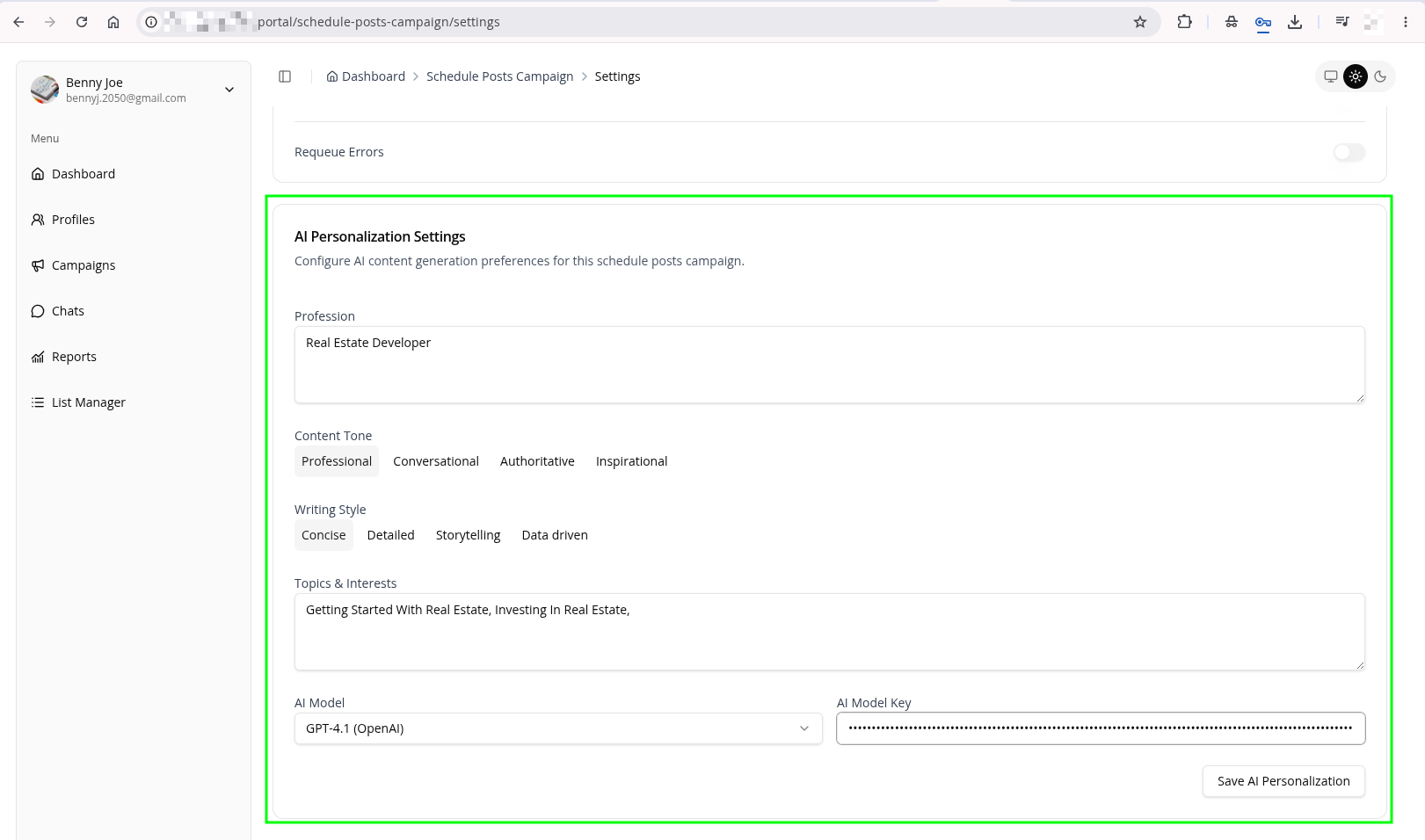
- Click Save AI Personalization button
In the future we may end specifying them as global keys and local keys. Global keys will be used to generate any kind of profile and local keys will be used to generate content specific to the campaign.
Make sure your personalization settings are not too loose or strict. Loose settings may result in AI writing content that is not relevant to your campaign, while strict settings my prevent the AI from being flexible. Think of an actor that has range vs an actor that does not have a range — the former can write about a wide variety of topics, while the latter may only write about a narrow range of topics.
Garbage In, Garbage Out