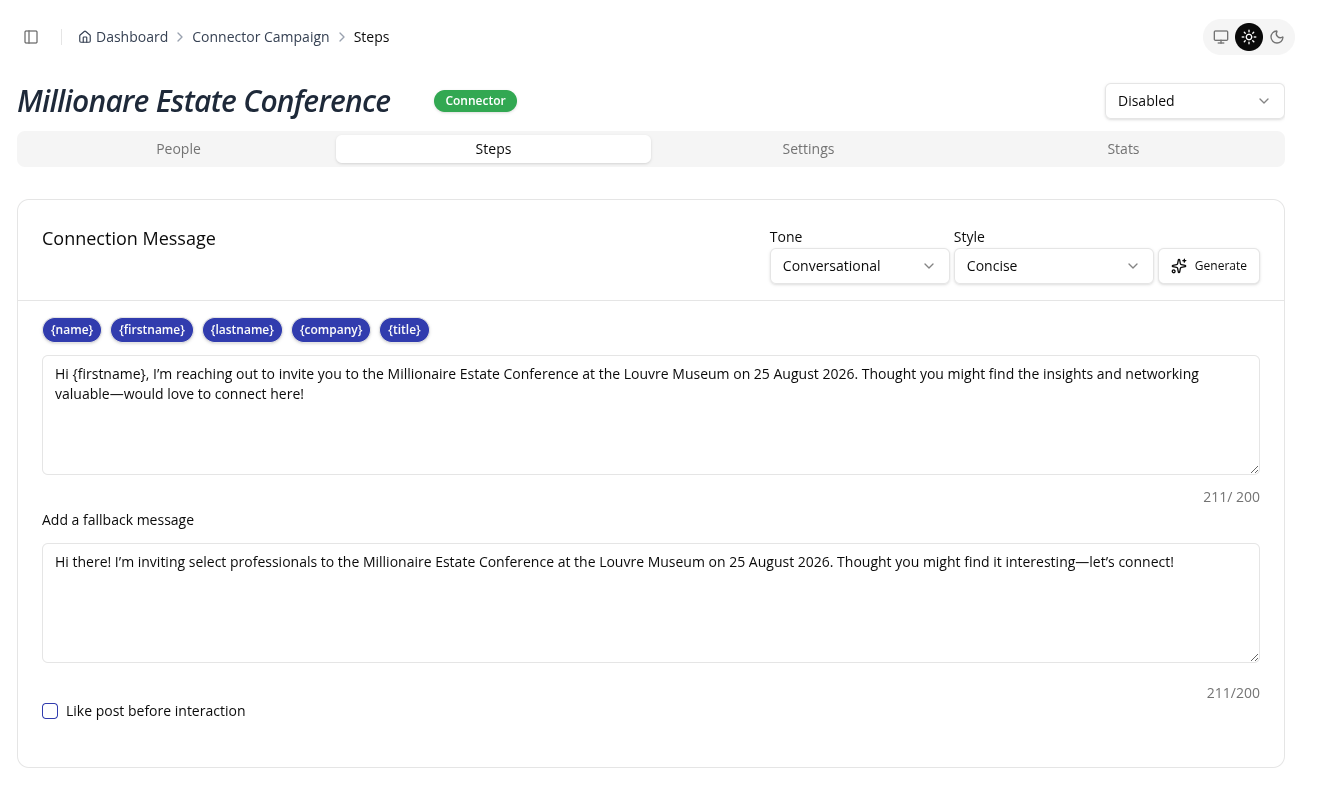
Generating Steps
To generate steps using AI, follow these steps:
- On the campaign page go to the Steps Tab
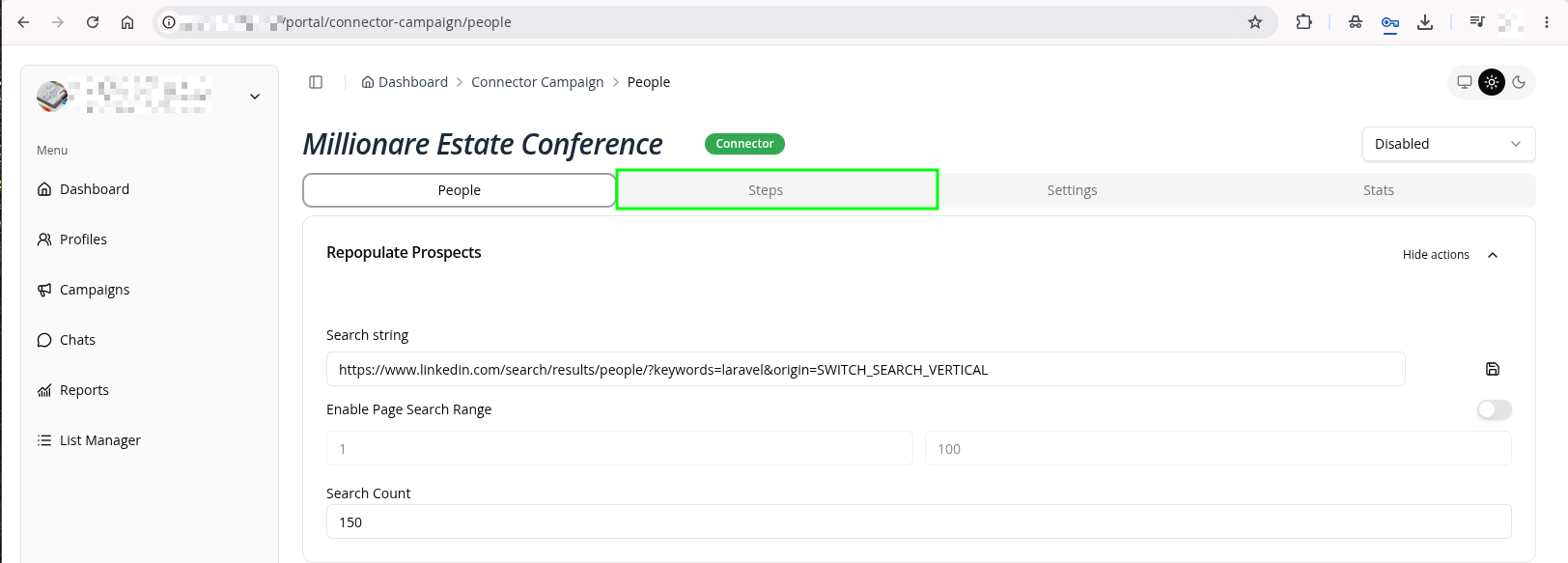 2. Under a specific step, click generate
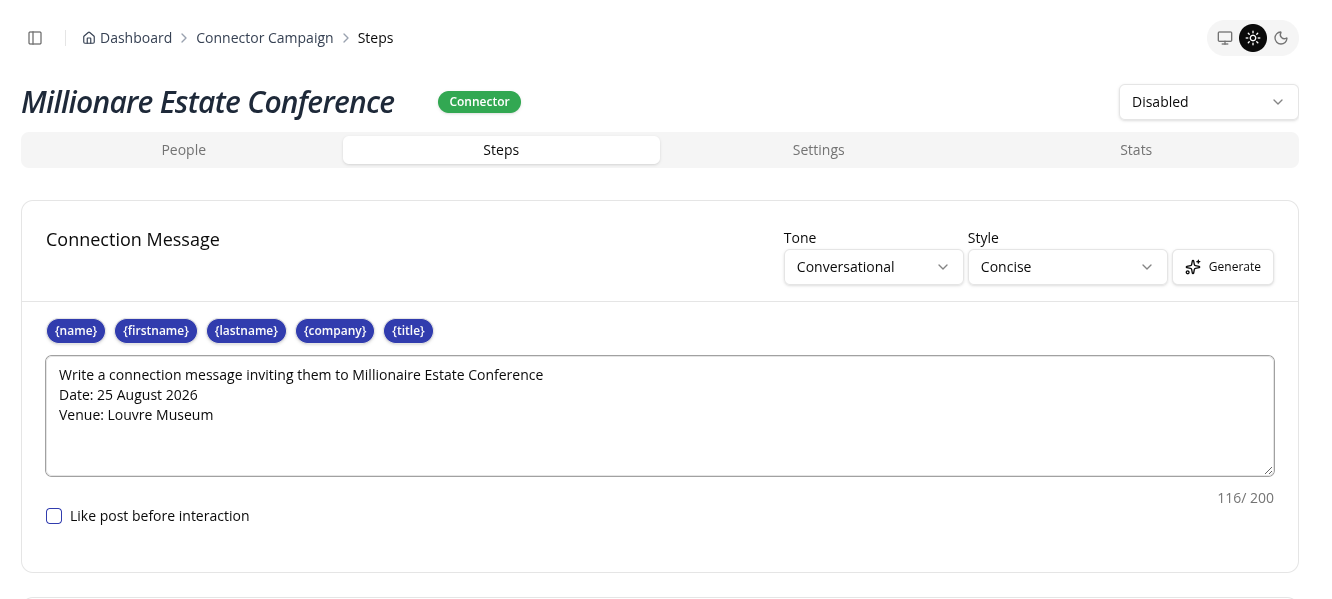
tip
You can specify the direction AI you want to take by mentioning the context in the entry box. This will help the AI generate a more relevant step instead of a generic one.
- Wait for the AI to generate the step