Add a profile
Before Sonity can act on your behalf it needs a profile connected to your LinkedIn account. A profile represents the account that performs actions within your campaigns.
Make sure you have completed Set up two-factor authentication first.
To add a profile, follow the steps in How to add a profile.
Add your profile
With 2FA enabled, you can now add your profile in Sonity.
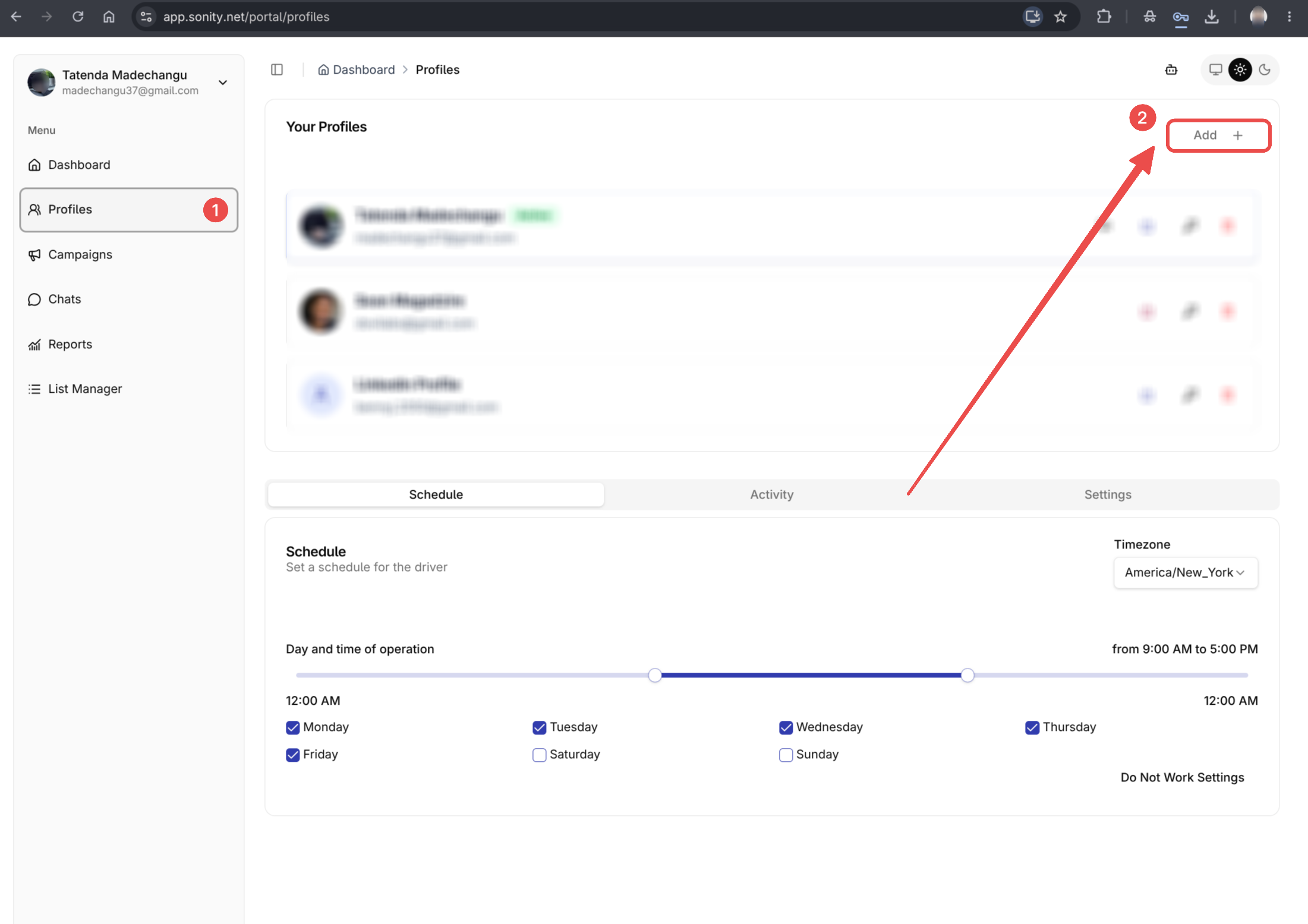
Step 1: Head over to profiles page
Under profiles page click the Add button
tip
On new accounts Sonity will automatically ask you to Add a New Profile
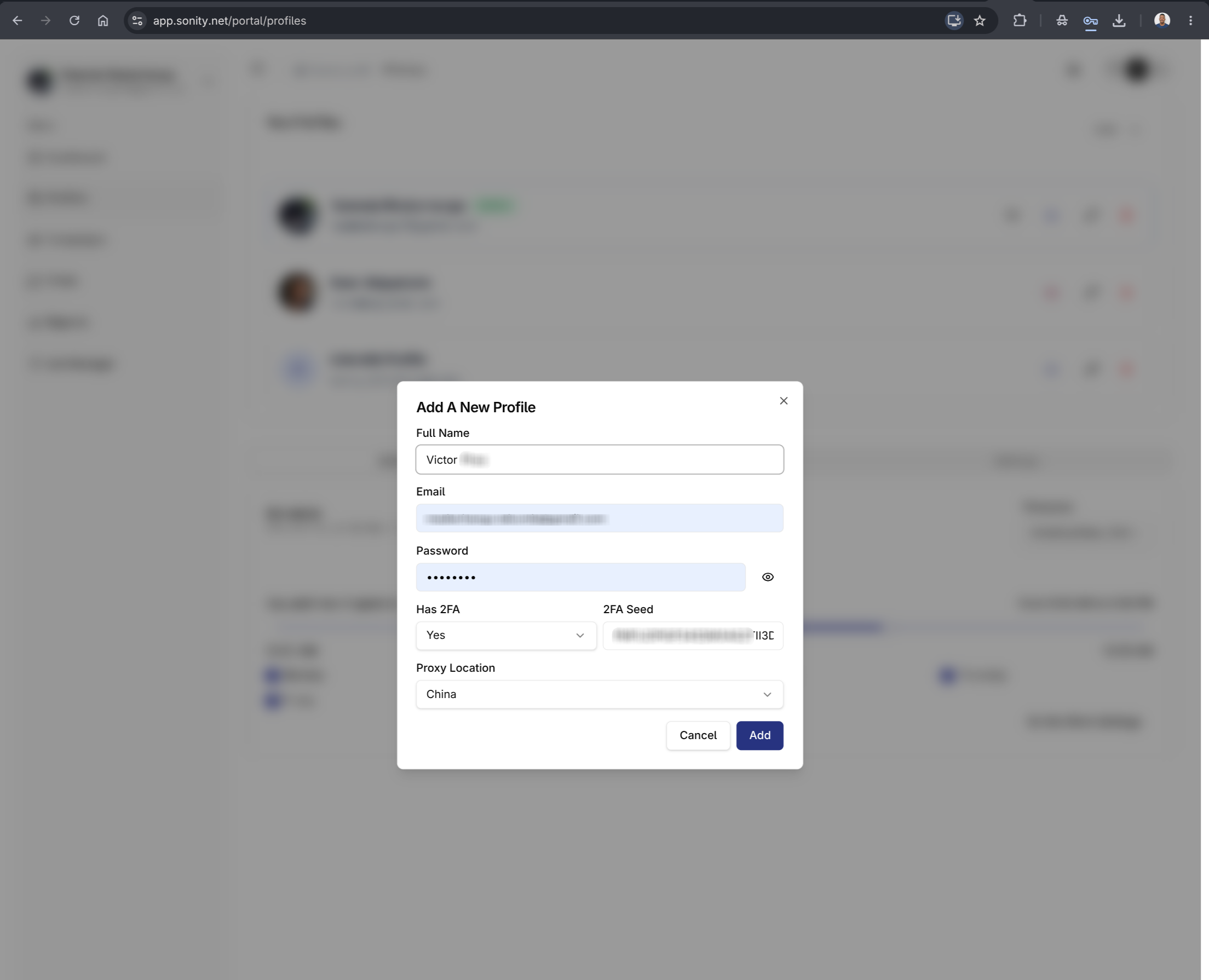
Step 2: Add profile details
A dialog should popup and you should be able to add a new profile then click Add
Next steps
Once your profile is added, you are ready to run your first campaign.